Clear print setupBuilt around the paper already in your printer.
The A4 preset uses the correct 210 by 297 mm page size and starts with a conservative printer-safe margin. Choose portrait for taller tiles or landscape for wider tiles.
Use By pages when you know how many sheets should cover the wall. Use Exact size when a template, sign, or craft pattern needs a specific finished width and height.
PageToPoster estimates image quality at the selected size before export, so you can make the poster smaller if the source image would look too soft.
Print it right the first time.
Does PageToPoster store my image?+
PageToPoster does not store your image or PDF.
Which print setting should I use?+
Choose Actual size or 100% in the print dialog. Turn off Fit, Shrink, and Scale to page so every sheet keeps its intended dimensions.
Why do the pages overlap?+
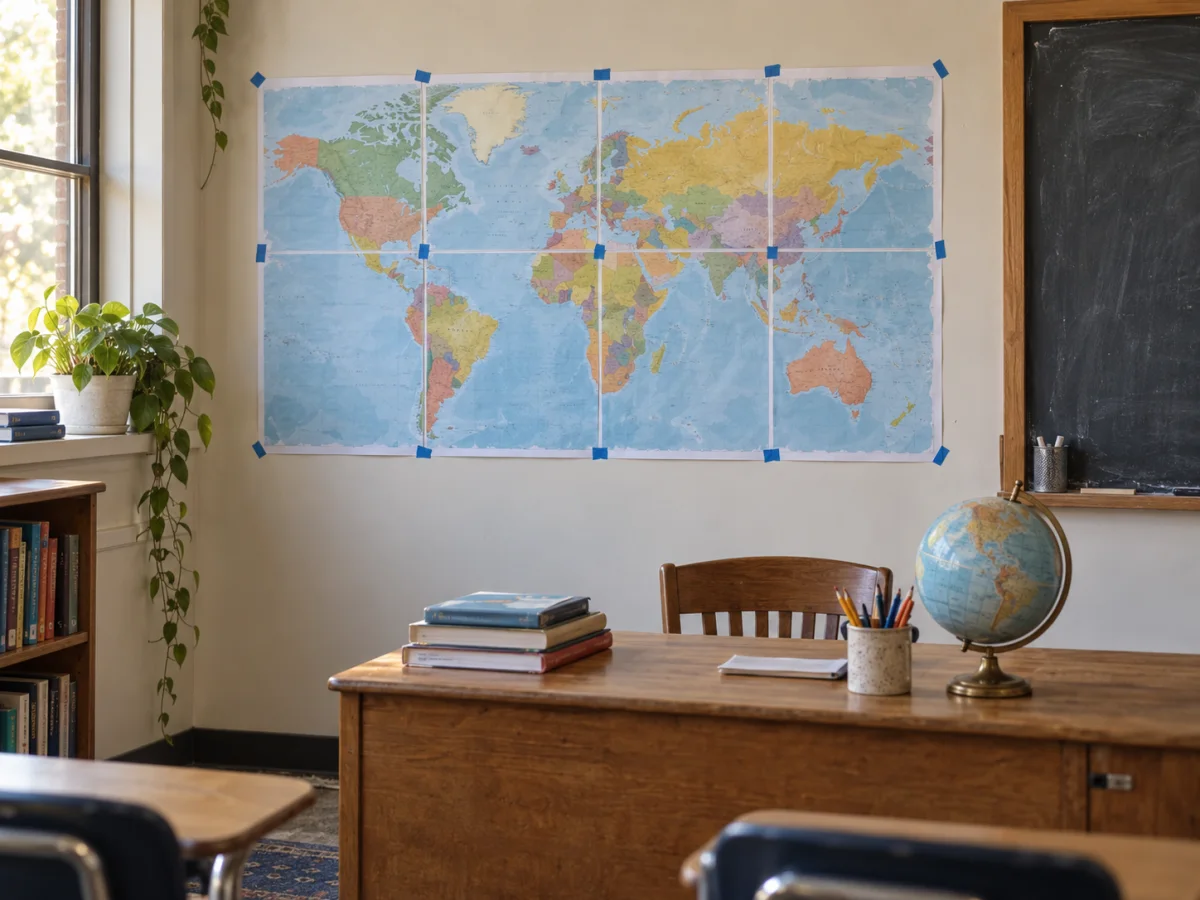
A small repeated edge makes alignment easier. Trim the marked edge of one sheet, place it over the matching image on the next sheet, then tape from behind.
Will this work with a home printer?+
Yes. The default safe margin works with common inkjet and laser printers. Use the free printer scaling test if exact physical size matters.
What image quality do I need?+
The live preview estimates effective image DPI. Above 150 DPI is crisp at close range. Lower values can still work for wall posters viewed from a few feet away.