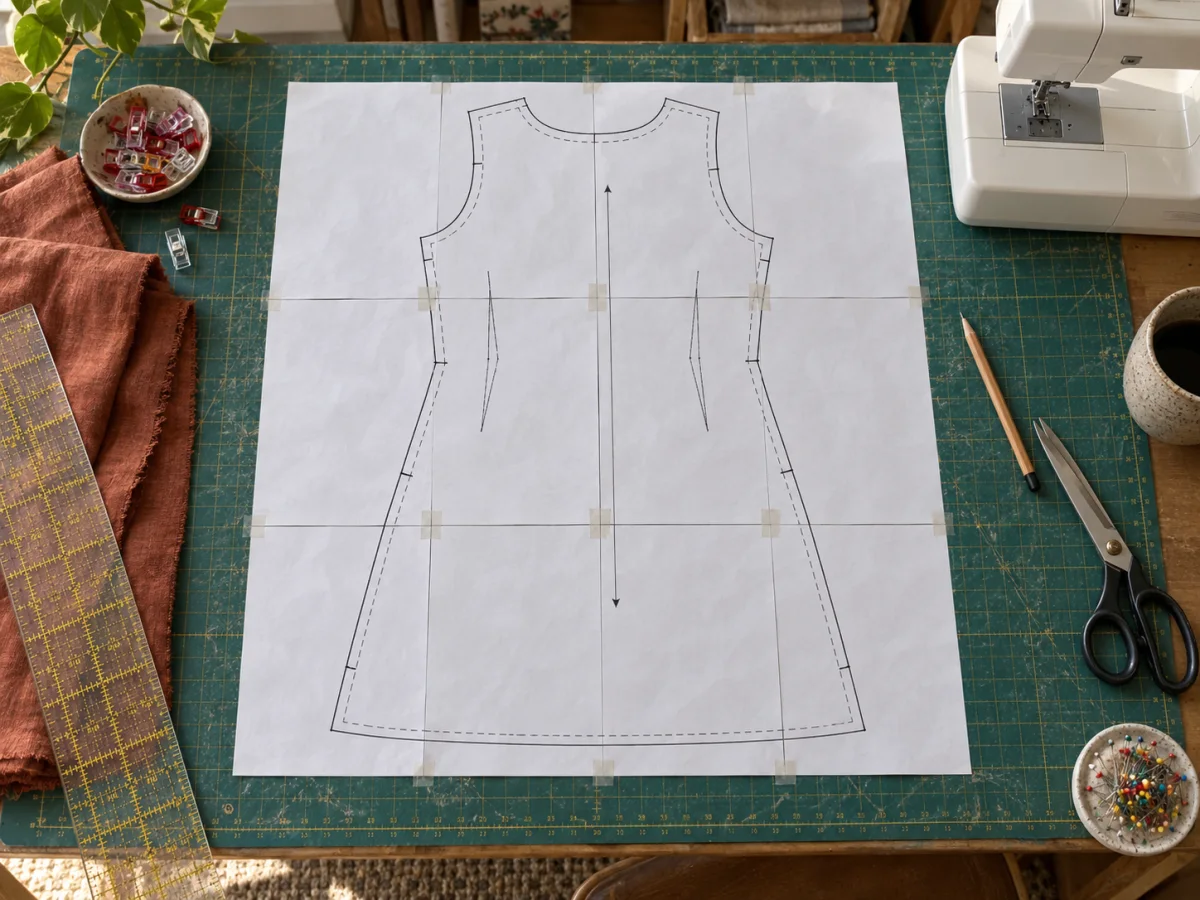
Clear print setup
Real dimensions without print-dialog guesswork.
Exact-size mode is useful for craft templates, sewing patterns, event signs, props, and reference drawings. Enter the finished width and height, then choose your paper size and orientation.
Common presets include 8 × 10, 11 × 14, 16 × 20, 18 × 24, 24 × 36, A2, and A1. You can swap the width and height for a landscape print.
The PDF page boxes carry the intended physical dimensions. Your printer can still override them, so select Actual size or 100% and measure the free test square when precision matters.
Fit keeps the whole image visible inside the requested dimensions. Fill covers the entire area and lets you move the crop from left to right or top to bottom.