Large-format printing for ordinary printers
Print an image on multiple pages.
Choose a photo, map, sign, or pattern. Set the finished size, check the page grid, and download one PDF for A4 or Letter paper.
Free to use. Images and one-page PDFs. Open the block poster maker page.
Start here
Choose the file. See every sheet.
Choose your artwork
JPG, PNG, WebP, or one-page PDF
Set the poster size
Use pages or a real finished size
Choose the crop
Fit keeps everything. Fill trims edges.
Choose the finish
Keep the image original or turn it into printed dots.
Printer setup
PageToPoster does not store your file
Drop your artwork here
See every page before you print.
Up to 20 MBFrom file to wall
How to print an image across multiple pages
Upload one image, set the finished poster size, and download a labeled PDF to print at home. The guide below keeps the image, printer settings, and assembly in the right order.
- 1Set the posterStart with a JPG, PNG, WebP, or one-page PDF. Choose A4, US Letter, US Legal, or custom paper, then set a page grid or the finished dimensions.
- 2Print at actual sizeCheck the page grid, download the tiled PDF, then choose Actual size or 100% in the print dialog. Turn off Fit, Shrink, and Scale to page.
- 3Trim and joinTrim one marked edge, line up the repeated image, and tape the seam from behind. Use the assembly guide when you want a visual reference.
Made for real projects
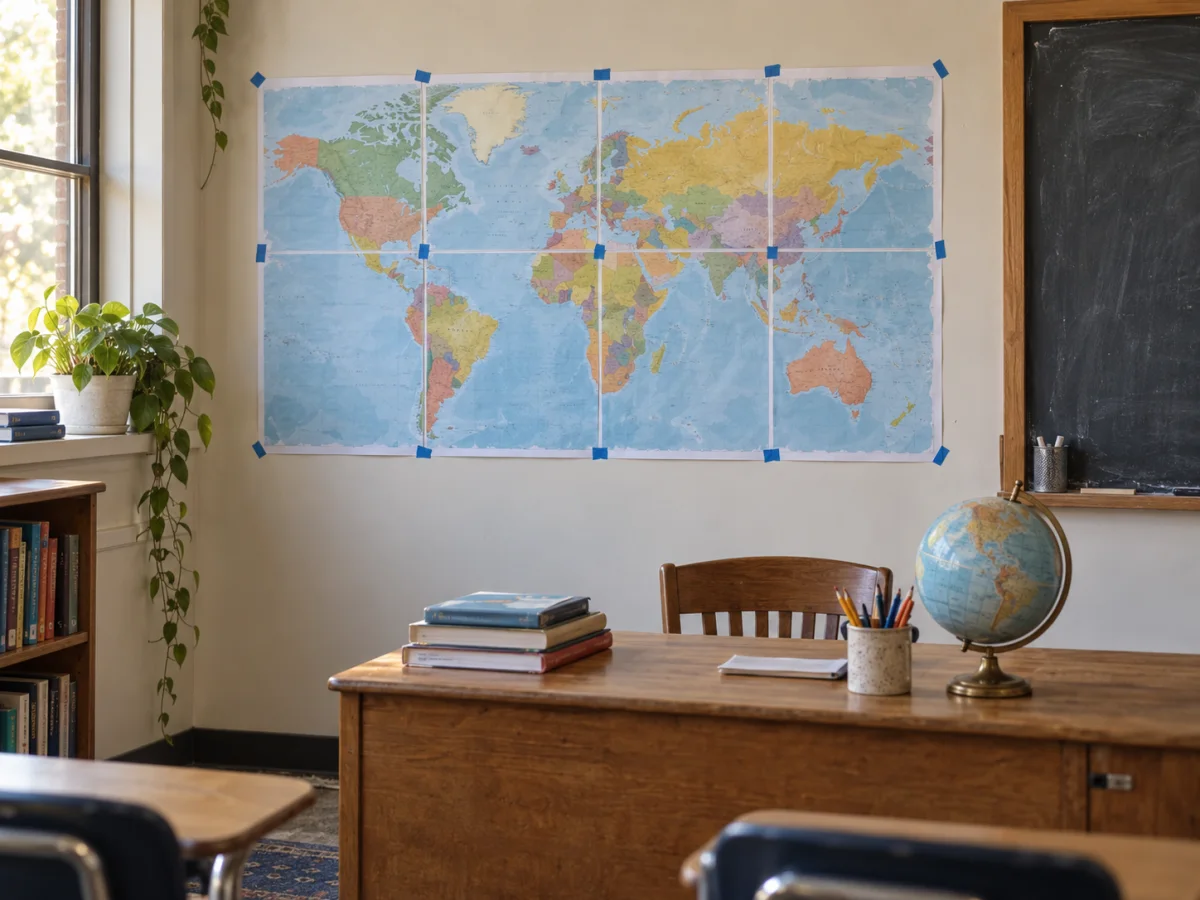
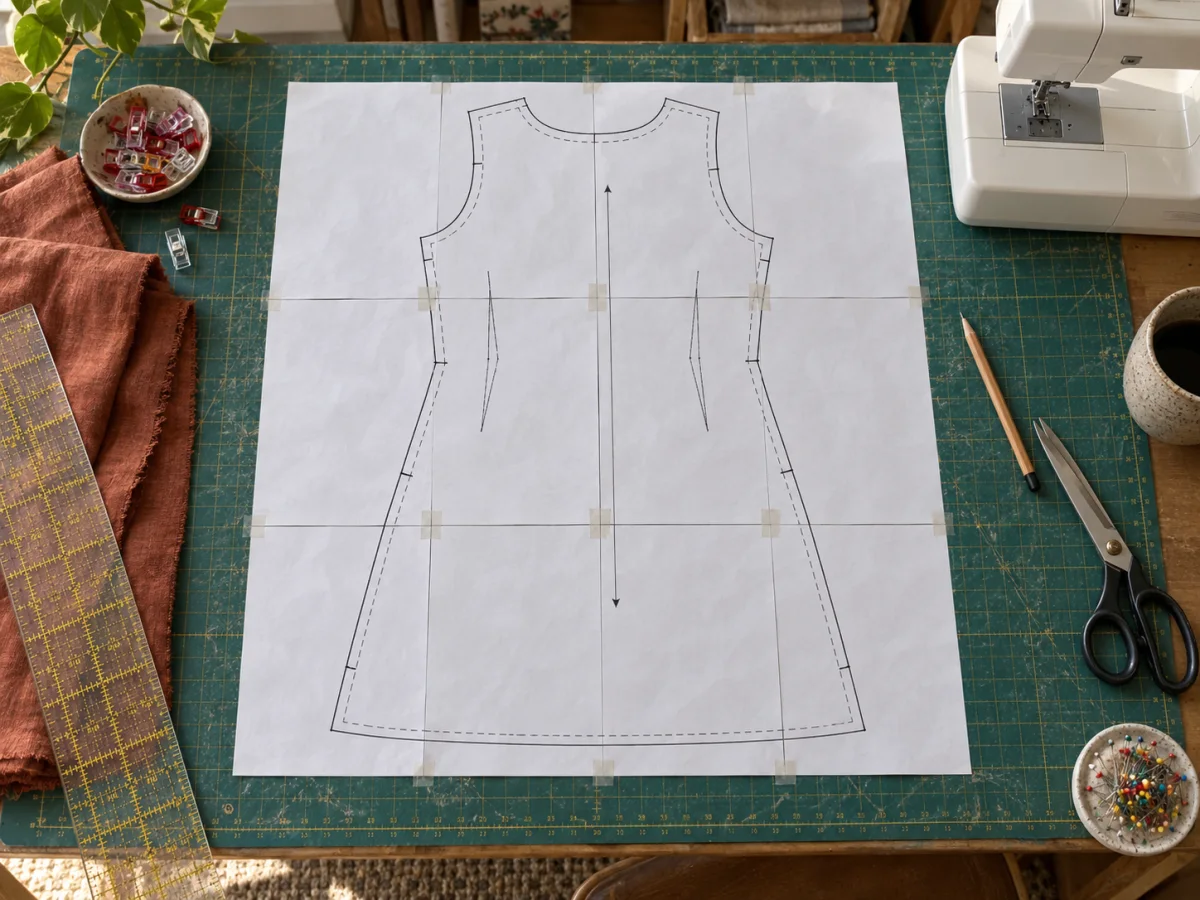
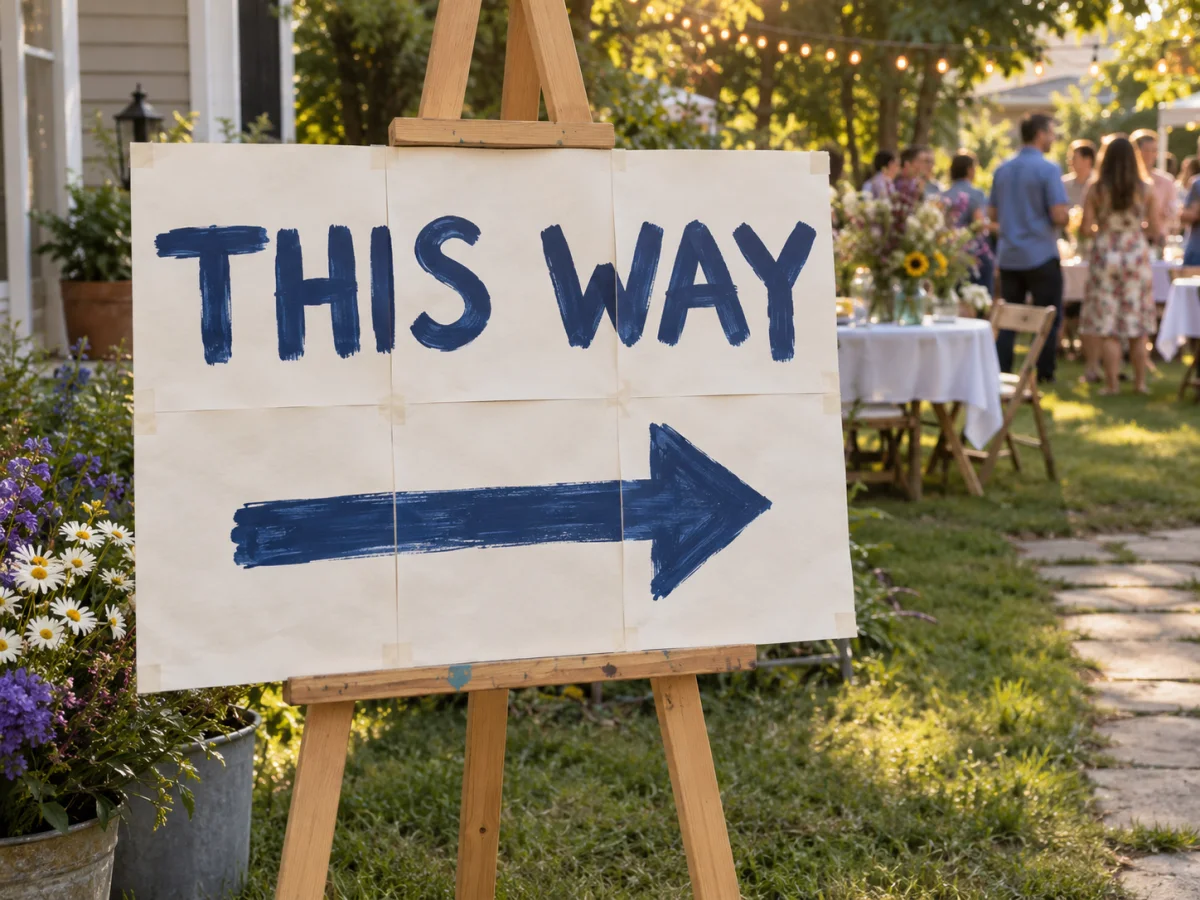
Maps, patterns, and signs.
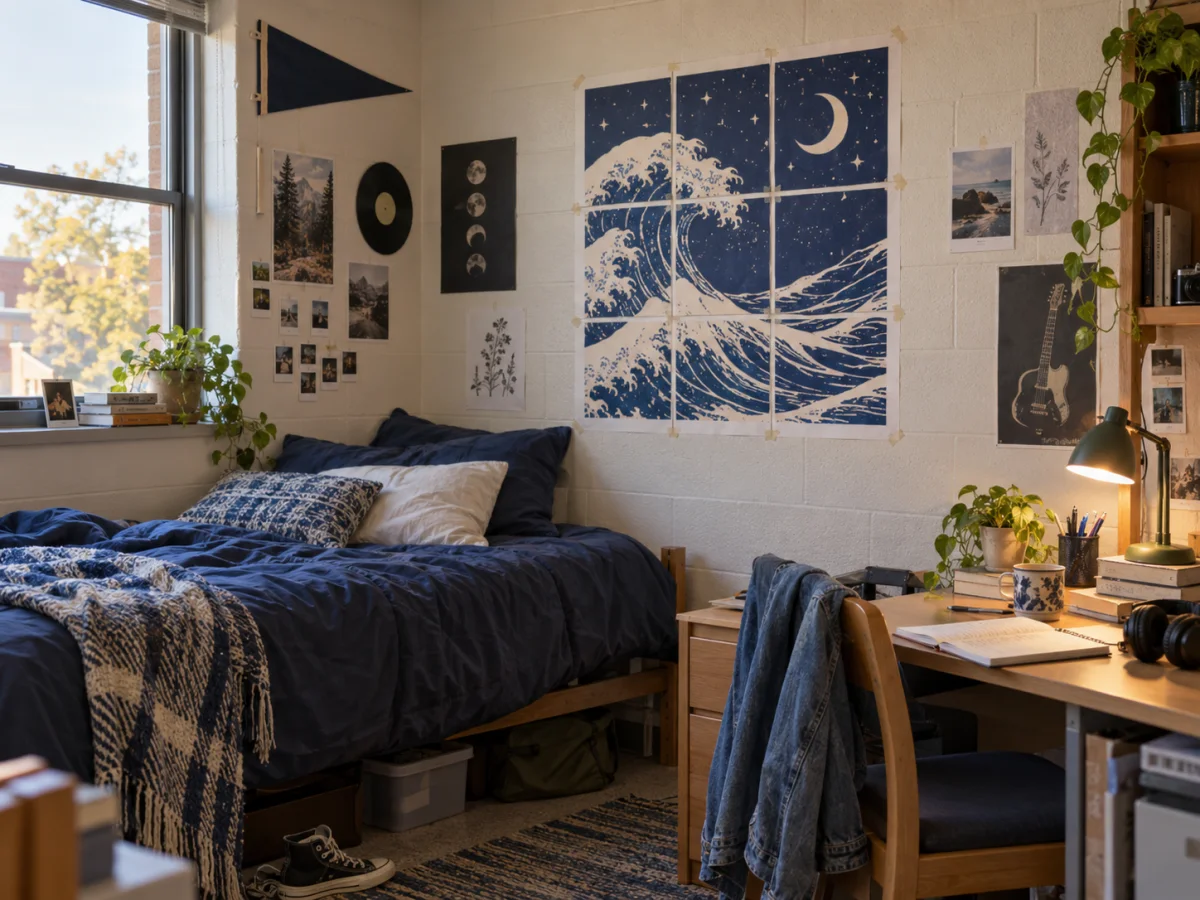
The same tiled PDF works for a classroom display, a temporary sign, wall art, or a full-size template.
Plan before you print
Small tools that prevent expensive reprints.
Check the sheet count before starting, confirm the image will hold up at the finished size, and test the printer when a pattern or stencil needs to measure correctly.
FAQ
How do I print one image across several pages?
Choose your image, pick A4 or Letter paper, then set the finished size. PageToPoster divides it into labeled sheets and creates one PDF to print.
Which setting should I choose in the print dialog?
Use Actual size or 100%. Turn off Fit, Shrink, and Scale to page so each tile keeps its intended dimensions.
How do I line up the printed pages?
Keep a small overlap, trim the marked edge on one sheet, and match the repeated part of the image with the neighboring page. Tape the join from behind.
Can I print a pattern at an exact physical size?
Yes. Choose exact size, enter the final width or height, and print the PDF at 100%. Use the printer scaling test first when measurements must be precise.
What image quality do I need for a large poster?
The editor estimates the effective DPI at your selected poster size. A lower DPI can still look good on a wall because it is normally viewed from farther away.