Full-size cosplay patterns

Turn one pattern image into a full-size paper template.

Enter the measured width and height, print the labeled pages, and transfer the assembled pattern to foam, fabric, or board.

Start with your file

Free to use. Your finished PDF is yours to print and keep.

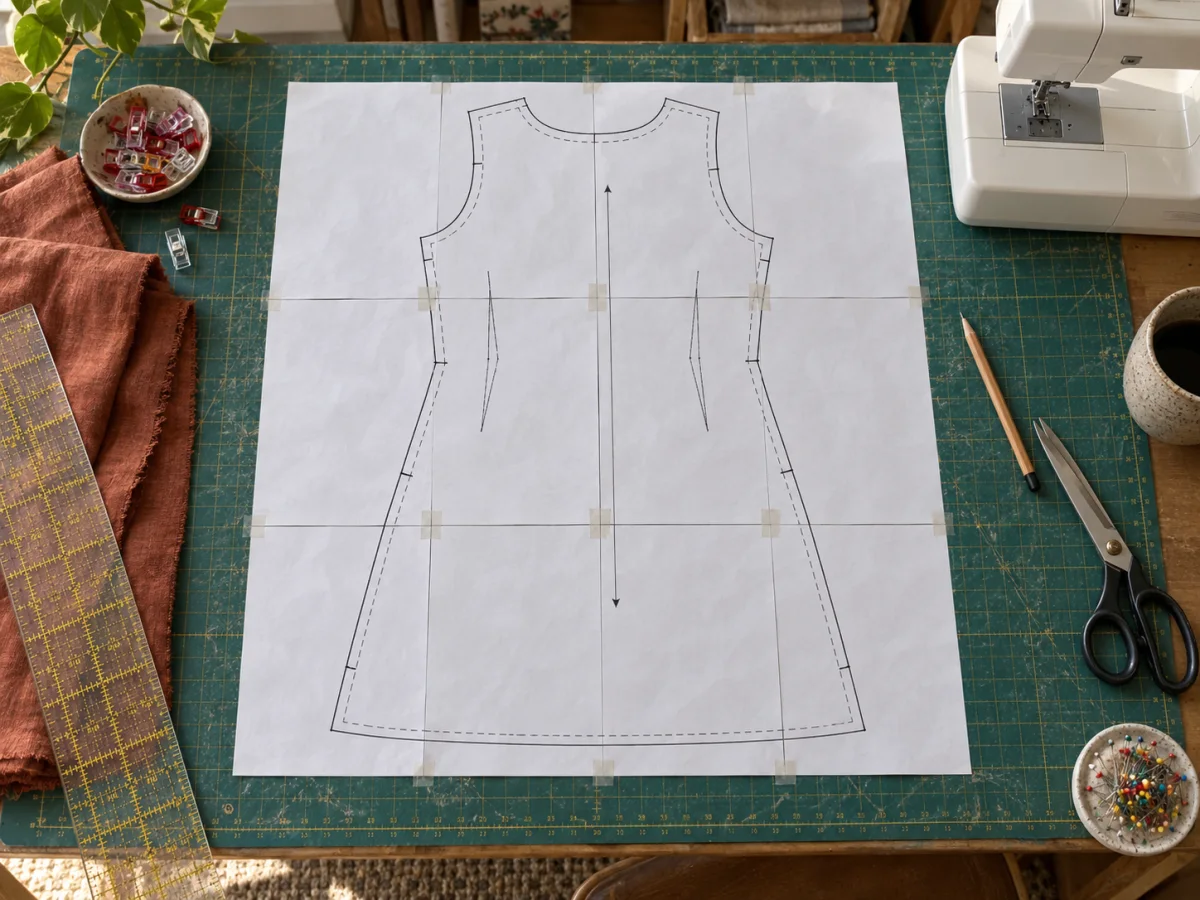
Full-size costume pattern printed and assembled from multiple pages
A full-size pattern ready to trace onto material.
1

Choose your artwork

JPG, PNG, WebP, or one-page PDF

2

Set the poster size

Use pages or a real finished size

3

Choose the crop

Fit keeps everything. Fill trims edges.

4

Choose the finish

Keep the image original or turn it into printed dots.

Printer setup

PageToPoster does not store your file

Print preview

Drop your artwork here

See every page before you print.

Up to 20 MB
Clear print setup

Scale once before cutting the expensive material.

The tool works best with a single flat pattern image or one-page PDF. If the source contains a scale square, keep it visible and measure it after printing.

Enter the real width and height of the pattern piece. PageToPoster calculates the page grid, but the final printer setting still matters: choose Actual size or 100%, never Fit.

Keep the page labels on while assembling complicated pieces. Join complete rows first, verify the outline, then tape the rows together from behind before transferring the shape.

Before you print

Settings that matter for this job.

  1. Keep the reference square visible.

    Measure it after printing before you transfer the pattern to foam, fabric, or board.

  2. Test the largest piece first.

    Confirm the printer scale and body measurement before committing material to the full set.

FAQ

Questions about this print job.

Can I print a cosplay armor template at full size?

Yes. Enter the intended width and height of the flat pattern piece, export the tiled PDF, and print it at Actual size.

Can I upload a multi-page pattern PDF?

The current tool uses one image or the first page of a PDF. Separate multi-piece files into one-page sources before tiling each piece.

Print it right the first time.

Does PageToPoster store my image?

PageToPoster does not store your image or PDF.

Which print setting should I use?

Choose Actual size or 100% in the print dialog. Turn off Fit, Shrink, and Scale to page so every sheet keeps its intended dimensions.

Why do the pages overlap?

A small repeated edge makes alignment easier. Trim the marked edge of one sheet, place it over the matching image on the next sheet, then tape from behind.

Will this work with a home printer?

Yes. The default safe margin works with common inkjet and laser printers. Use the free printer scaling test if exact physical size matters.

What image quality do I need?

The live preview estimates effective image DPI. Above 150 DPI is crisp at close range. Lower values can still work for wall posters viewed from a few feet away.